
Adding support and contact details

Go to Settings > Support to customize the support contact details available to your customers. These details can be accessed from the user's profile.
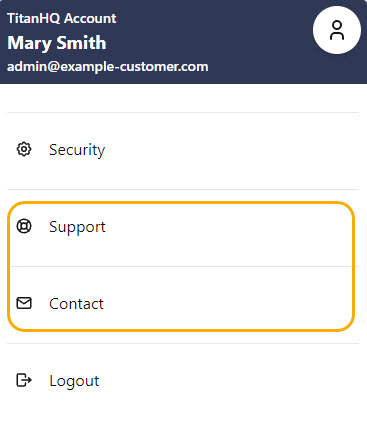

ST-SK-customer-admin-profile-menu.jpg

 For MSP Admins, these settings can only be changed by the system admin.


To customize support links:

  1. Go to SettingsSupport.
  2. Under Support Desk URL, enter a valid URL.
  3. Under Contact, enter a valid email address.
  4. Click Save Changes.


Was this article helpful?

That’s Great!

Thank you for your feedback

Sorry! We couldn't be helpful

Thank you for your feedback

Let us know how can we improve this article!

Select at least one of the reasons
CAPTCHA verification is required.

Feedback sent

We appreciate your effort and will try to fix the article
